The instructions below are intended for users on OTHOS TELECOM phone system ONLY, and may not be applicable for devices on other platforms. For more information on using our services, please visit our website www.voipeasy.co.za or give us a call on 021 673 6801.
Should you see the below icon on the phone's display, it means you have one or more missed calls.

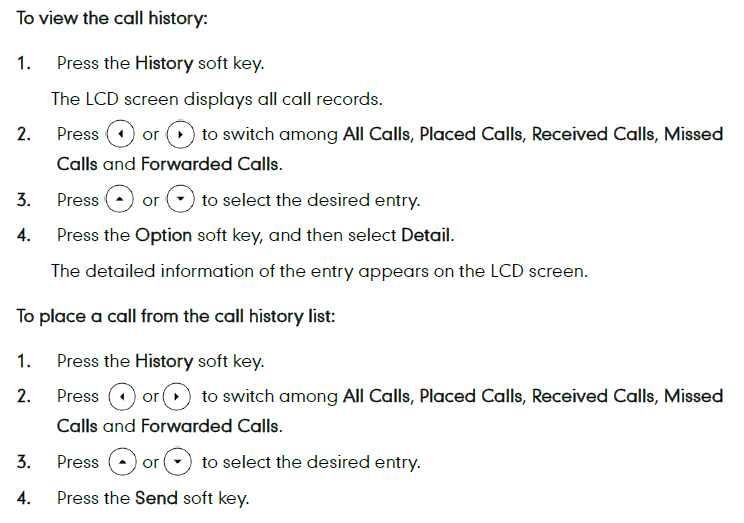
You check those by accessing your call history on the phone:
Was this article helpful?
That’s Great!
Thank you for your feedback
Sorry! We couldn't be helpful
Thank you for your feedback
Feedback sent
We appreciate your effort and will try to fix the article